Cafes & Coffee Shops
Digital menus, daily specials, promotions
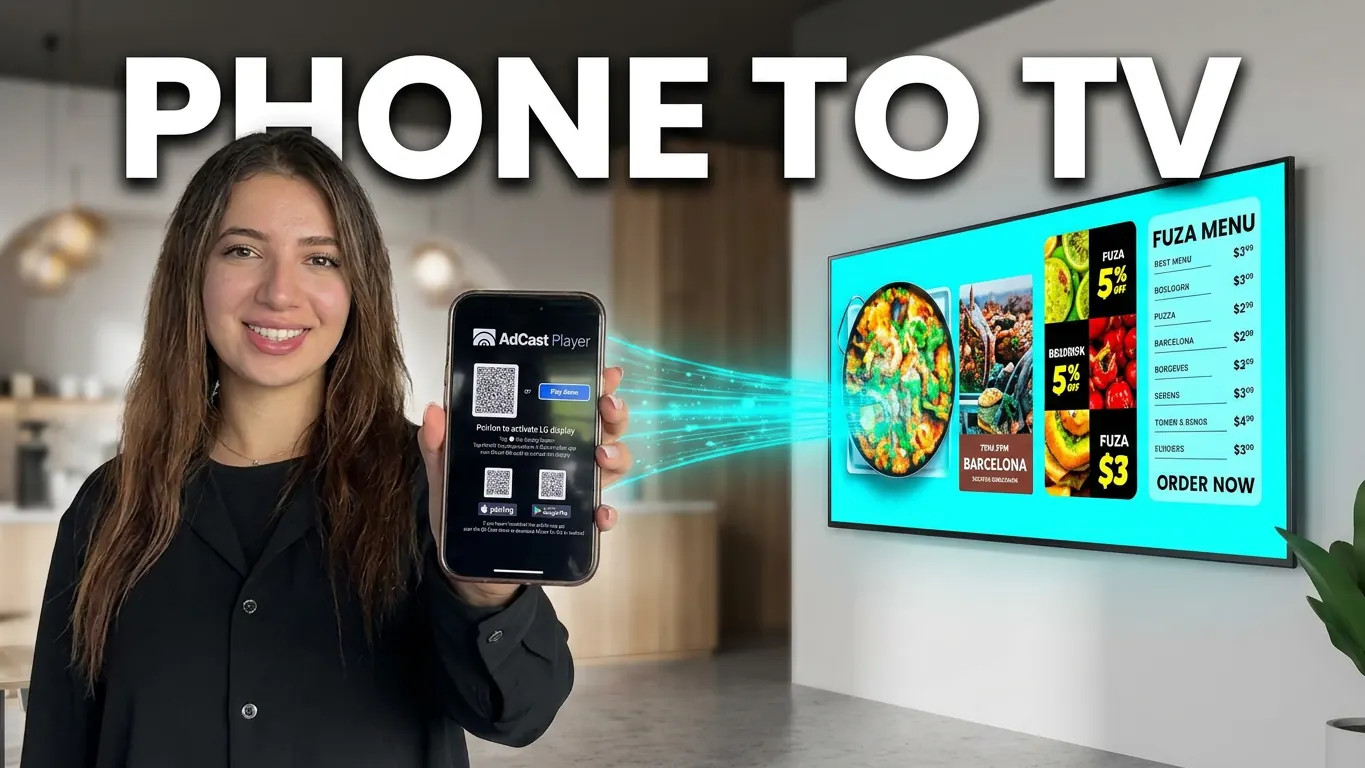
Create and manage digital signage from your phone. Publish to Android TV and Fire TV from anywhere - no USB, no computer, no complicated setup.
No credit card required · All features included from day one.
Download AdCast Digital Signage for mobile



Turn any TV into an ad screen in a few minutes

Install AdCast Player or Web Player on your TV. Scan the QR code with your phone. Done.

Pick a template or start from scratch. Build your ad and add it to a playlist.

Push content to one or more screens. Works from anywhere.
Compatible devices
AdCast Player works with Android TV and Fire TV devices from popular brands.
 Android TV
 Google TV
 Fire TV


And many more TVs and brands...
Explore AdCast’s features and capabilities

Add one or more screens to your phone app. Just scan a QR code.

Pick a ready-made template and build your ad in seconds.

Drag items to reorder. Set how long each one plays.

Group screens across your shops. Push the same ad to all at once.

Build layouts with a simple grid and built-in widgets.

Cast content to any screen from your phone. No matter where you are.
Built for cafés, salons, gyms, bakeries, vet clinics, shops and more.
Digital menus, daily specials, promotions

Show before/after, prices, stylist portfolios

Fresh menu boards, limited-time pastries

Class schedules, trainer intros, member offers

Service pricing, happy pet photos, reminders

Property listings, agent profiles, market updates

Health tips, appointment reminders, entertainment

New arrivals, flash sales, brand story

Welcome messages, company news, event info
 Simple. Fast. Mobile-first.
Get started from your phone
Real reviews from real owners.
After XOGO eliminated their app, I set out looking for a better alternative, and I found it! AdCast has been super simple to setup and so far been reliable! I'm excited to finally have an easy in showroom advertising tool without having to buy new equipment!
Setup was unbelievably fast - scan QR code and the screen was ready. Perfect for anyone who wants digital signage without the complexity. AdCast gives us the flexibility to update promotions instantly from our phone.
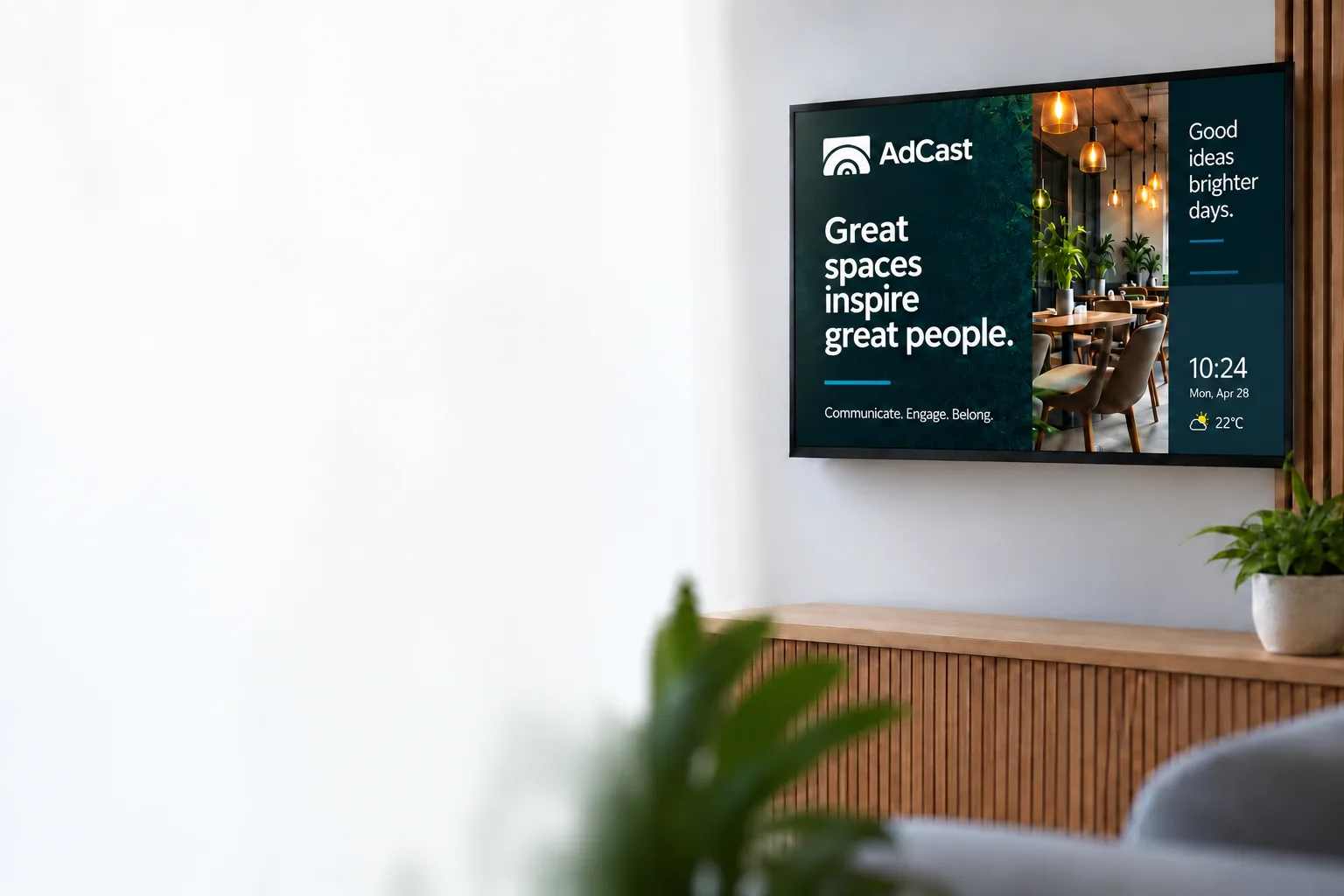
Install AdCast Player on your TV, connect your first display, and see it in action in minutes.
No credit card required.
No cancellation.
No automatic charges.
Your 30-day free trial is genuinely free.
Start your 30-day free trialGet up and running in minutes. No risk. Just results.
Get AdCast on your phone, TV, or desktop - see every install option in one place.


 $12.99 (or $9.99 for 2 and more) / month